


Framework Laptop 13 AMD Ryzen™ 7040 Series — BIOS 3.20
Downloads
Section titled “Downloads”- Added support for Framework Laptop 13 Pro features - Enabled compatibility for the haptic touchpad, touch panel, and 75W battery.
- Updated the audio verb table to support the new speakers in the Framework Laptop 13 Pro chassis.
- Updated AMD PhoenixPI-FP8-FP7_1.2.0.0f.
- Fixed an issue where the system was unable to boot from partially locked self-encrypting drives (SEDs)
- Fixed an issue where the Battery Extender status was reported incorrectly following a reboot, hibernation, or shutdown after the timer had expired.
- Fixed an issue where the system boots with blackscreen when plugged Dell U2725QE monitor with mouse.
- Supported 16bits postcode.
- Fixed an issue where system audio volume was lower on 3.19 beta.
- Security Fix: CVE-2025-54502 - Incorrect use of boot service in the AMD Platform Configuration Blob (APCB) SMM driver could allow a privileged attacker with local access (Ring 0) to achieve privilege escalation potentially resulting in arbitrary code execution. (CVSS N/A)
- Security Fix: CVE-2025-29949 - Insufficient input parameter sanitization in AMD Secure Processor (ASP) Boot Loader (legacy recovery mode only) could allow an attacker to write out-of-bounds to corrupt Secure DRAM potentially resulting in denial of service. (CVSS N/A)
- Security Fix: CVE-2025-0040 - Improper access control between the Joint Test Action Group (JTAG) and Advanced Extensible Interface (AXI) could allow an attacker with physical access to read or overwrite the contents of cross-chip debug (XCD) registers potentially resulting in loss of data integrity or confidentiality. (CVSS N/A)
- Security Fix: CVE-2024-36355 - Improper input validation in the SMM handler could allow an attacker with Ring0 access to write to SMRAM and modify execution flow for S3 (sleep) wake up, potentially resulting in arbitrary code execution. (CVSS N/A)
- Security Fix: CVE-2024-36310 - Improper input validation in the SMM communications buffer could allow a privileged attacker to perform an out of bounds read or write to SMRAM potentially resulting in loss of confidentiality or integrity. (CVSS N/A)
Component Versions
Section titled “ Component Versions ”This BIOS update is a bundle of updates to multiple embedded components in the system. Not all of them use the same version number.
| Component | Version | |
|---|---|---|
| EC | ec_320_e0a4f | Updated |
| PD | 0.0.1C | |
| AMD PI | 1.2.0.0f | Updated |
Windows Driver Component Versions
Section titled “ Windows Driver Component Versions ”| Driver | Version | |
|---|---|---|
| AMD Chipset Driver | 8.05.04.516 | Updated |
| AMD Graphics Driver | 26.5.2 (v32.0.31007.5012) | Updated |
| Realtek Audio Driver | 6.0.9969.1 | Updated |
| Realtek Audio Console | 1.53.393.0 | Updated |
| RZ616 WiFi Driver | 3.4.0.1355 | |
| RZ616 Bluetooth Driver | 1.1043.0.555 | |
| Goodix Fingerprint Driver | 3.12804.1.270 | |
| Camera Ext Driver | 10.0.22000.10002 | |
| Realtek MEP Driver | 10.2000.10003 | |
| AMD MEP Driver | 32.1.0.0 | |
| Microsoft MEP Driver | 1.0.42.0 | |
| Framework EC Driver | 0.0.0.6 | |
| Realtek Ethernet | 11013_20_07272023_08042023 | |
| SD Card Reader | v4_5_10_201 | |
| 2nd Gen uSD Card Reader | v4_5_10_202 |
Installation
Section titled “Installation”You can check your current BIOS version following the steps here to determine if you are on the latest release.
Framework firmware is published to LVFS and updates via fwupd, which ships by default on most modern
distributions.
fwupdmgr refresh --forcefwupdmgr get-updatesfwupdmgr updateWindows
Section titled “Windows”- Download the Framework Laptop 13 AMD Ryzen™ 7040 Series BIOS 3.20 Windows Installer.
- Run the
.exeand click "Yes" when prompted to reboot. - Wait for the firmware progress bar to complete — the system will reboot automatically. Do not interrupt.
- Download and install the Windows Driver Bundle v2.08 for your system if you are currently using a previous Driver Bundle release, or you are installing the Driver Bundle for the first time.
EFI Shell Update
Section titled “ EFI Shell Update ”- Download the EFI Shell Update v3.20.
- Extract contents of zip folder to a FAT32 formatted USB drive. Cleanly unmount the drive before physically removing it, otherwise the BIOS update may not function correctly.
- Attach a charger to your device while updating.
- Boot your system while pressing F12 and boot from the thumb drive.
- Let startup.nsh run automatically.
- Follow the instructions to install the update.
Updating a Mainboard without a Laptop
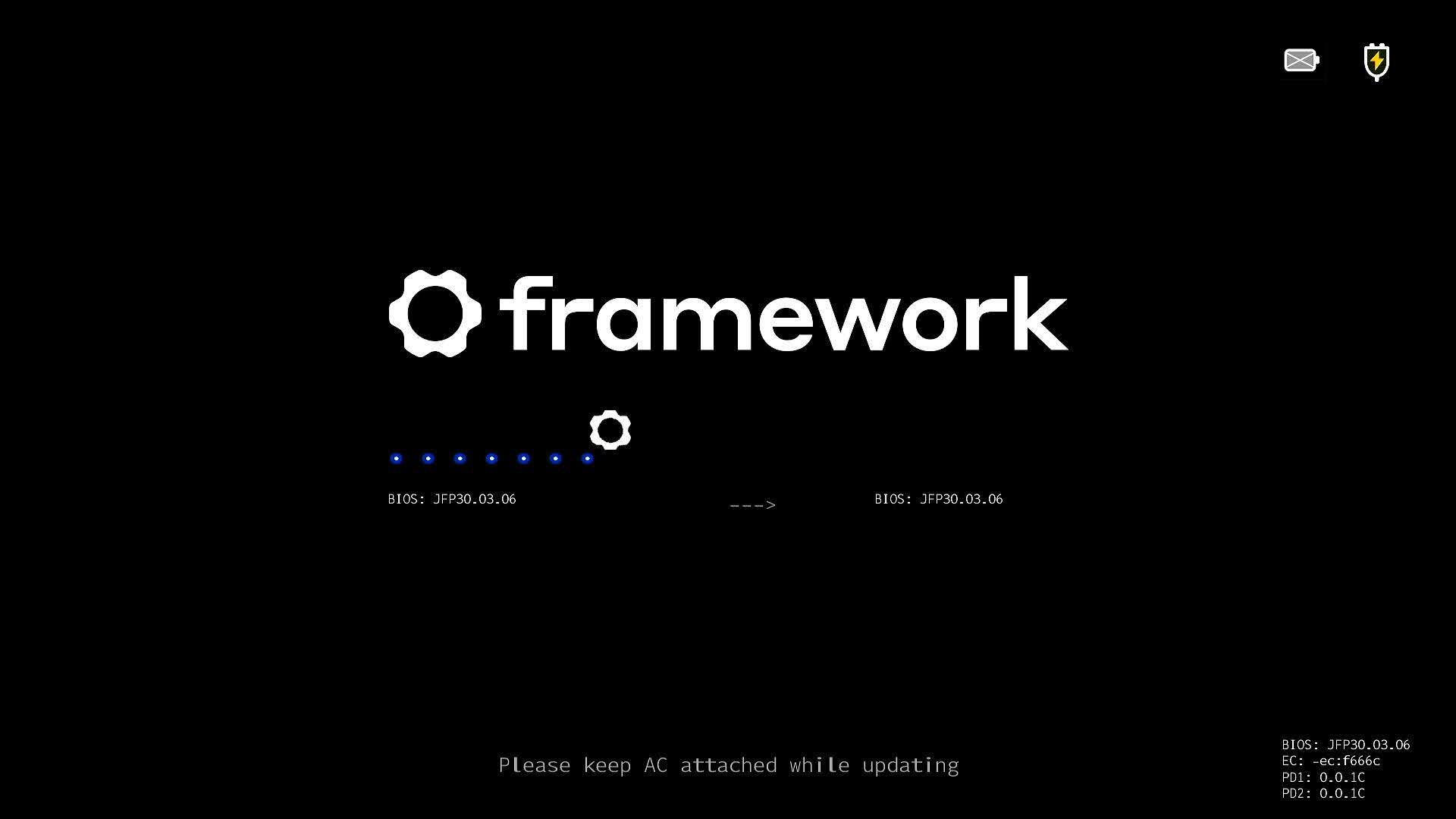
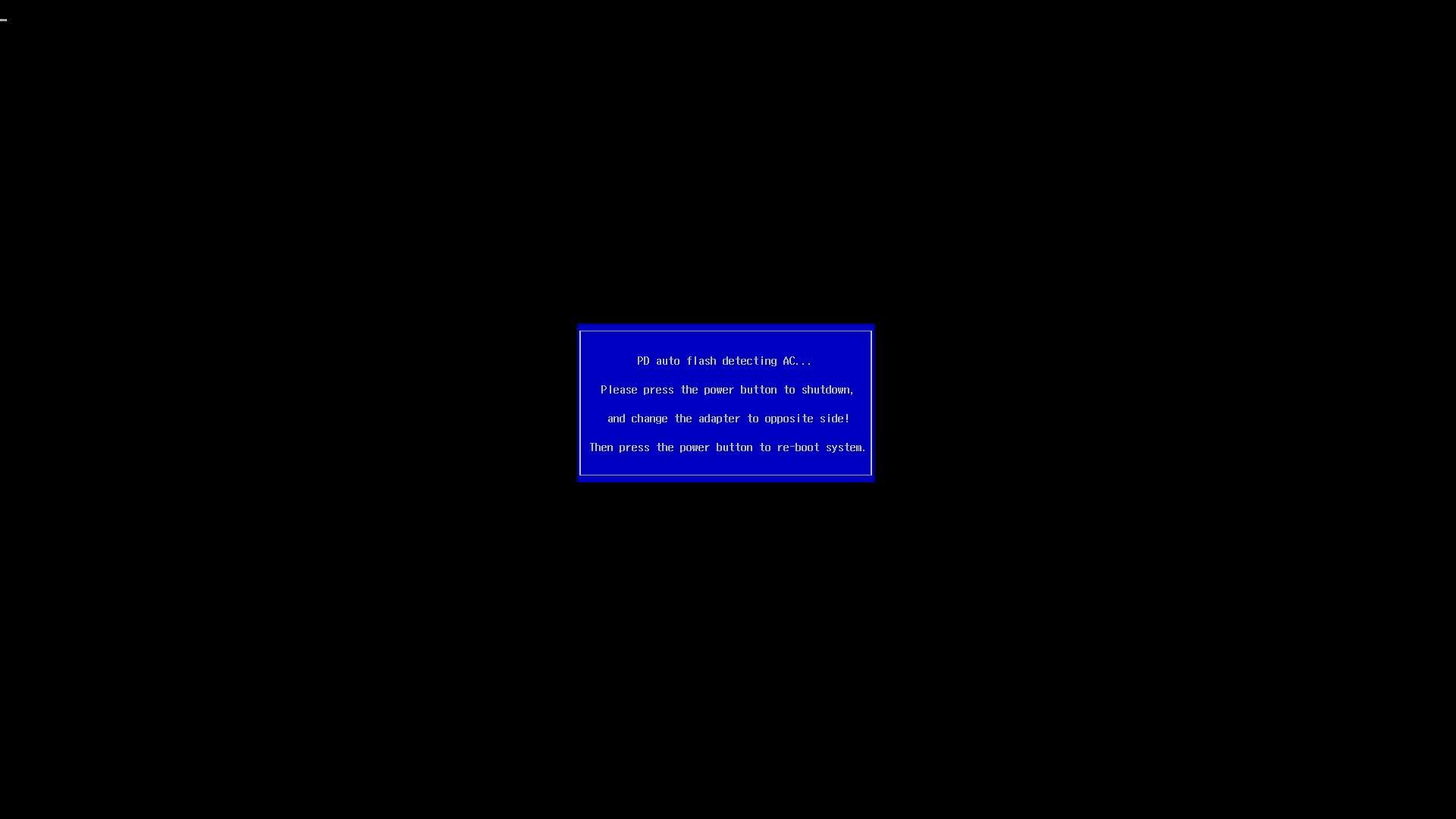
Section titled “Updating a Mainboard without a Laptop”This release supports standalone updates without a battery attached. After rebooting, please follow the onscreen instructions to update your BIOS when in standalone mode, which will require moving the power source between both sides of the Mainboard to allow PD firmware to update correctly.
- Ensure that standalone operation is enabled in the BIOS advanced setup menu.
- Connect the external display to upper left port.
- Connect the power to the lower left port.
- Run the updater from EFI/Windows updater.
- After rebooting into the updater, the update will commence. The updater will update the BIOS and EC.
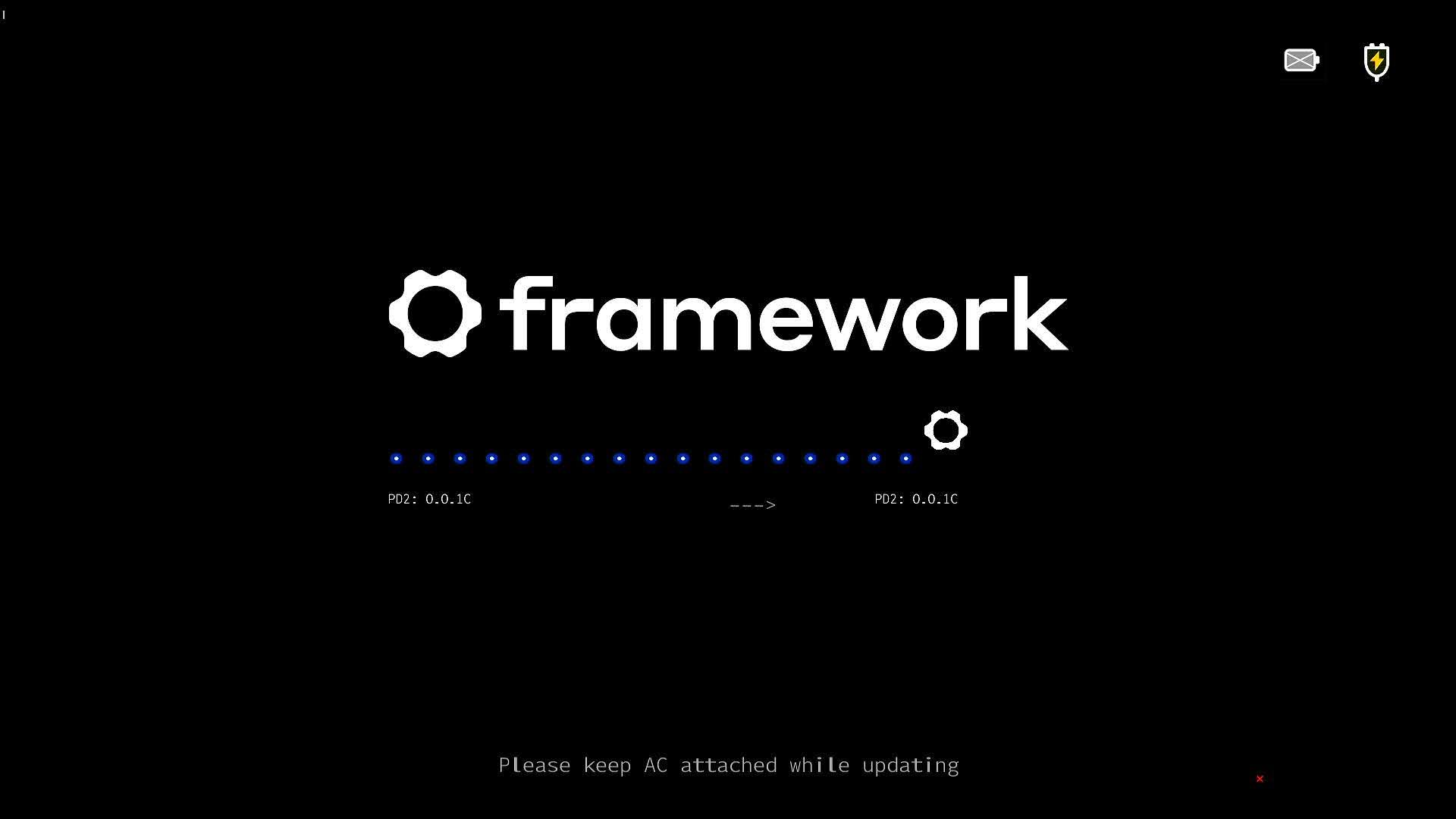
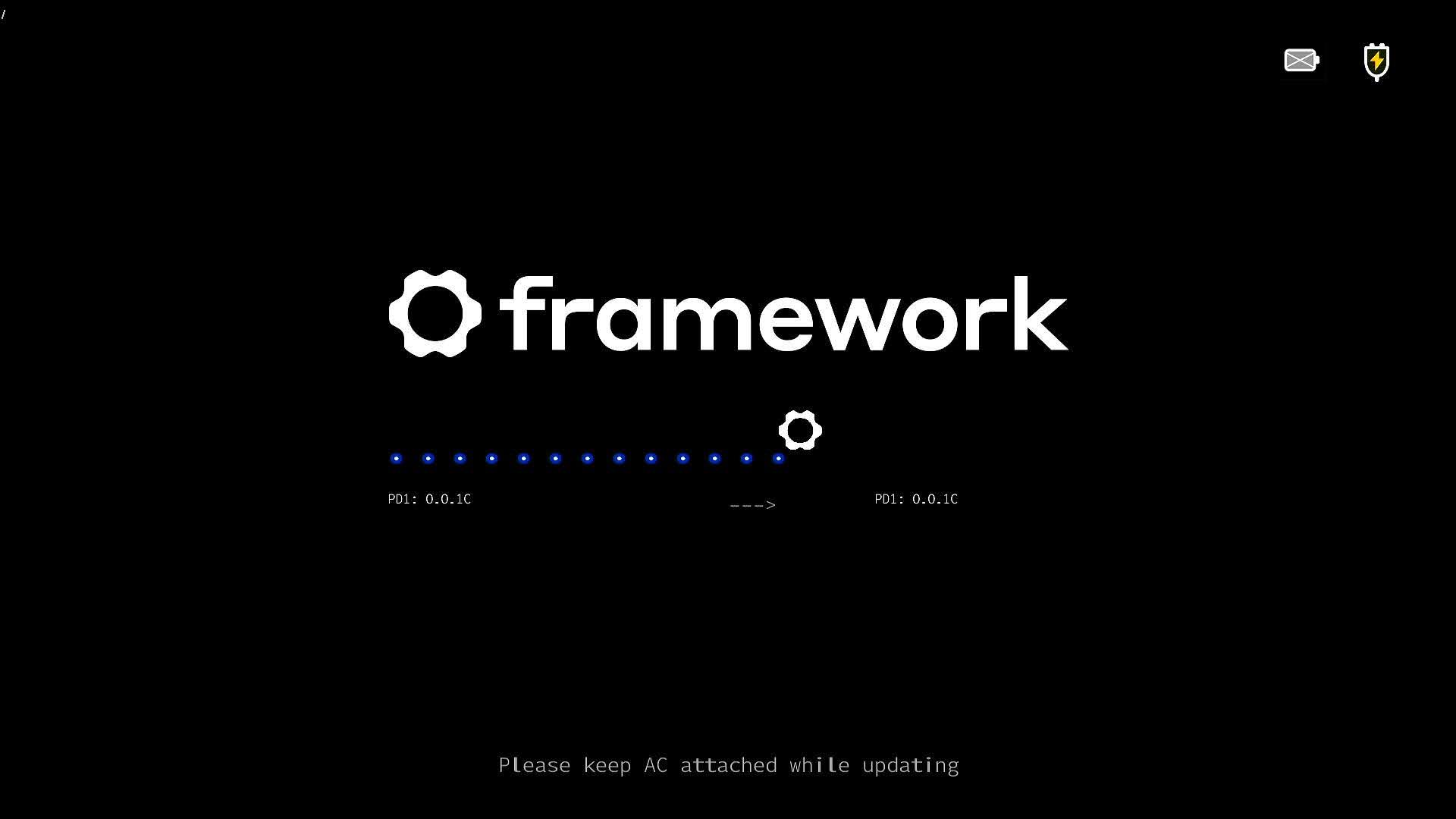
- The Updater will update the PD controller that is not connected to the power source.
- You will see one PD controller will fail the update with the X, and "Update Complete" is displayed, but the BIOS will restart. At this screen, the BIOS update will stop. You must disconnect the display and power source, and move them to the other side. * Connect the display to the top right port. * Connect power to the bottom right port.
- Press the power button, and the second PD update will complete.
- After this, the system will reboot, and your BIOS update is complete.
Known Issues
Section titled “ Known Issues ”- BIOS display output may not show up in standalone mode when booting the first time. To work around this, boot into the OS and restart pressing F2 to enter the setup menu.
- When updating in standalone mode, there may be no display output after updating one side's PD firmware. Connect power and display on the same side when performing a BIOS update in standalone mode.
- Connecting with iPhones over type-c may be unstable.
Reporting Issues
Section titled “Reporting Issues”Please use the public issue tracker on GitHub to report issues.
If you experience an issue with the update that is related to your system firmware, please post as complete a description as you can, including relevant system information and external peripherals. Please note that we do not currently have a SLA for responding to issues on github, but we will be reviewing them through the bios release process, and will review them for future updates as well.
Please contact support if you have an issue regarding hardware, broken devices, returns, etc.